
How to Change the Network Card to Virtio, Intel PRO, or Realtek in SolusVM?
You can change your network card to any other network card. For example, from Realtek to Virtio or Intel Pro.
1. Login to your SolusVM Control Panel.
2. If you have multiple VPS, select the appropriate one.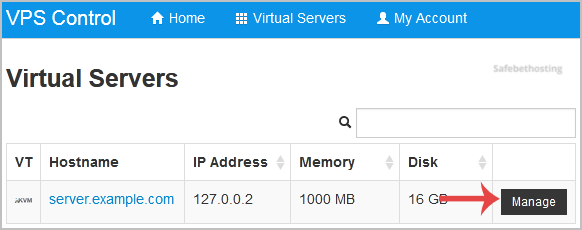
3. Scroll down, and under the settings tab, you can find the Network Card option. Select the appropriate network card from the Drop-Down Menu.
4. Reboot your VPS.
Call now to get more detailed information about our products and services.
(214)-779-5144
 Copyright © 2025 All Rights Reserved
admin@safebethosting.com
Waxahachie, Texas 75165, USA
