
How to change your Plesk account contact details?
Follow these steps to change your Plesk account contact details.
1. Log in to your Plesk account. (e.g., https://example.com:8443 )
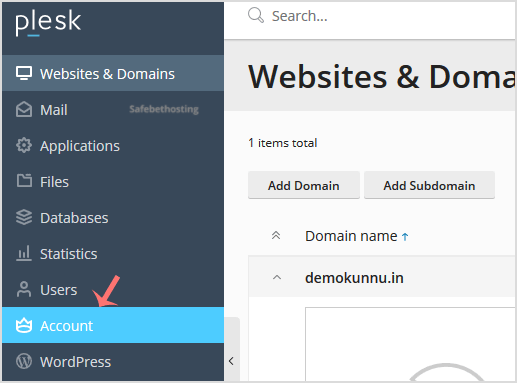
2. In the Sidebar Menu, click on Account.
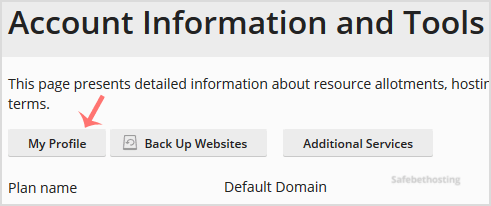
3. Under Account Information and Tools, click on My Profile.
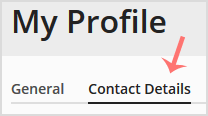
4. Please click on Contact Details.
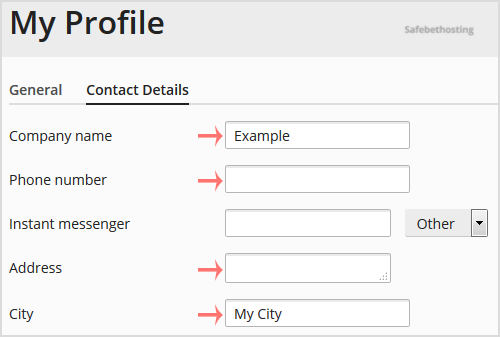
5. Make changes as per your needs.
5. Scroll down and click Apply.

You will see a success message, signifying that your Plesk contact details have changed.
Call now to get more detailed information about our products and services.
(214)-779-5144
 Copyright © 2025 All Rights Reserved
admin@safebethosting.com
Waxahachie, Texas 75165, USA
