
How to Fetch - Sync email on your Android mobile?
We hope that you have already read our tutorial on How to Add a cPanel email account in Android Mobile, and you have already added a built-in email widget to your android screen.
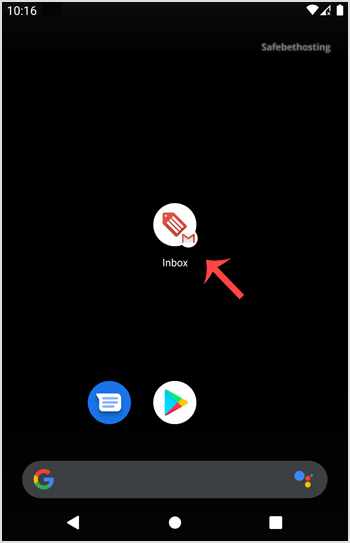
1. Press on the email inbox icon.
2. Pull down from the top of the screen until little refresh wheel start spinning, It will start syncing email.
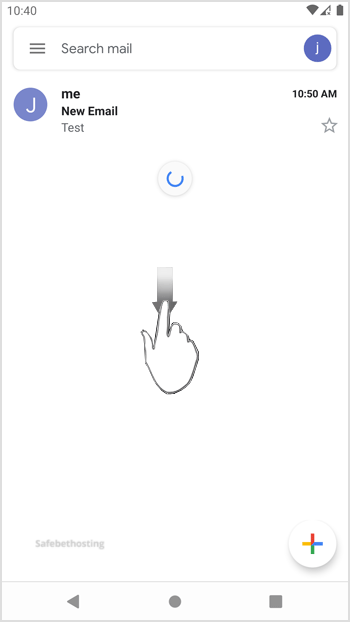
In the above screenshot, you can see that after syncing, we have received a new email.
Call now to get more detailed information about our products and services.
(214)-779-5144
 Copyright © 2025 All Rights Reserved
admin@safebethosting.com
Waxahachie, Texas 75165, USA
